Fix the pool length on your Garmin swim workout in less than 1 minute
Last updated: 2026-05-06
Did you forget to update the pool length on your Garmin watch before recording a pool swim workout? Read this article to find out how to fix it
Why do Garmin watches record the wrong swimming pool length?
Garmin watches record pool swims by detecting your movement in the pool (not GPS). This lets them count how many lengths of the pool you swim in your workout.
To convert the number of lengths to how far you swam, it needs to know the length of the swimming pool:
Distance = pool length x number of lengths swam
If it thinks you’re in a 25m pool when actually you’re in a 50m pool, it will think you only swam half of what you actually did.
How to fix wrong pool length
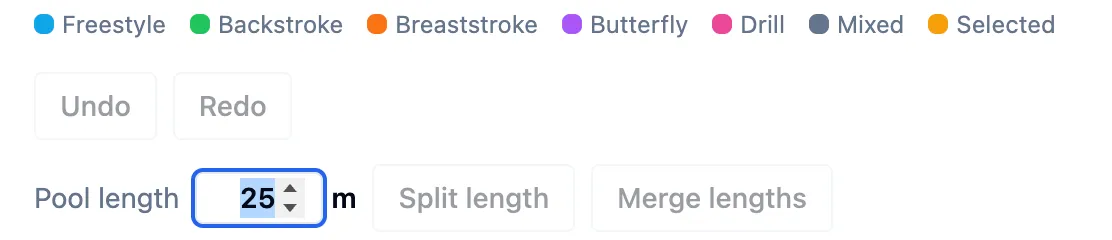
To fix the pool length on your workout (.fit) file, you can use Swim Blueprint’s Pool Swim Editor tool:
- Export your FIT file from Garmin Connect or another platform (e.g. Strava, Training Peaks)
- Open the file in Swim Blueprint using the workout editor
- Enter the correct pool length in the “Pool length” field
- Click Download corrected FIT to save the fixed file
How to prevent this from happening
To stop this from happening on future swim workouts, always remember to update the pool length in your Garmin watch settings before you jump in the pool.
This will ensure you record the correct distance for your swim.