Can you edit swim laps in Strava?
Last updated: 2026-06-23
Strava lets you sync your fitness watch (e.g. Garmin Forerunner) to upload pool swim activities. But what happens if your data is wrong?
Does Strava let you edit your pool swim laps?
The short answer: no
The long answer: Strava doesn’t let you edit your swim data. Once uploaded, it is “view only”. In this article we’ll show you how you can edit your Strava swim.
This can prove annoying for anyone that relies on Strava to keep track of total distances swam each day, week, or month. If you’re training for a swim or triathlon event, then keeping an eye on training volume is important.
How can I edit my swim laps?
If you’ve already uploaded your workout to Strava but you notice that the distance is wrong, you can download it and then use Swim Blueprint’s workout editor to fix it:
- Open Strava in a web browser and find the pool swim workout you want to fix
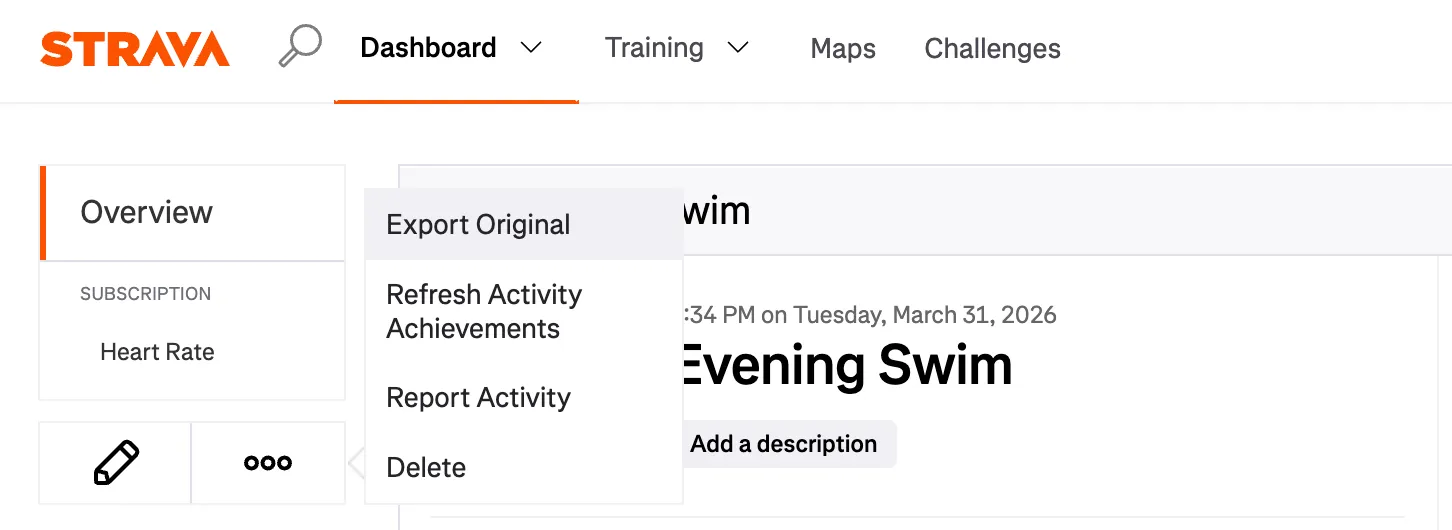
- Click the three dots and then select “Export Original”
- Save the .fit file to your device
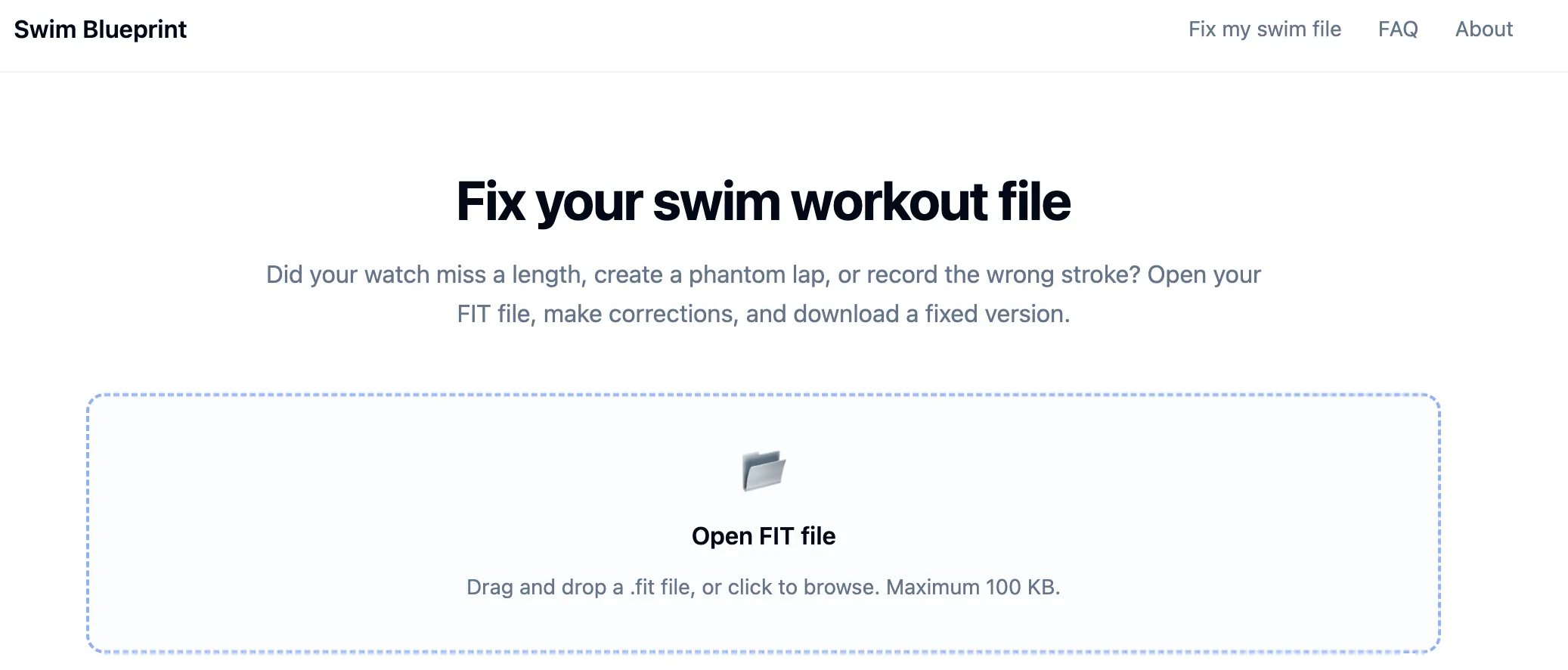
- Go to the Swim Blueprint editor and then open the file that you just downloaded from Strava (if you want to see edit suggestions, tick the “Suggest edits” tick box before opening your file)
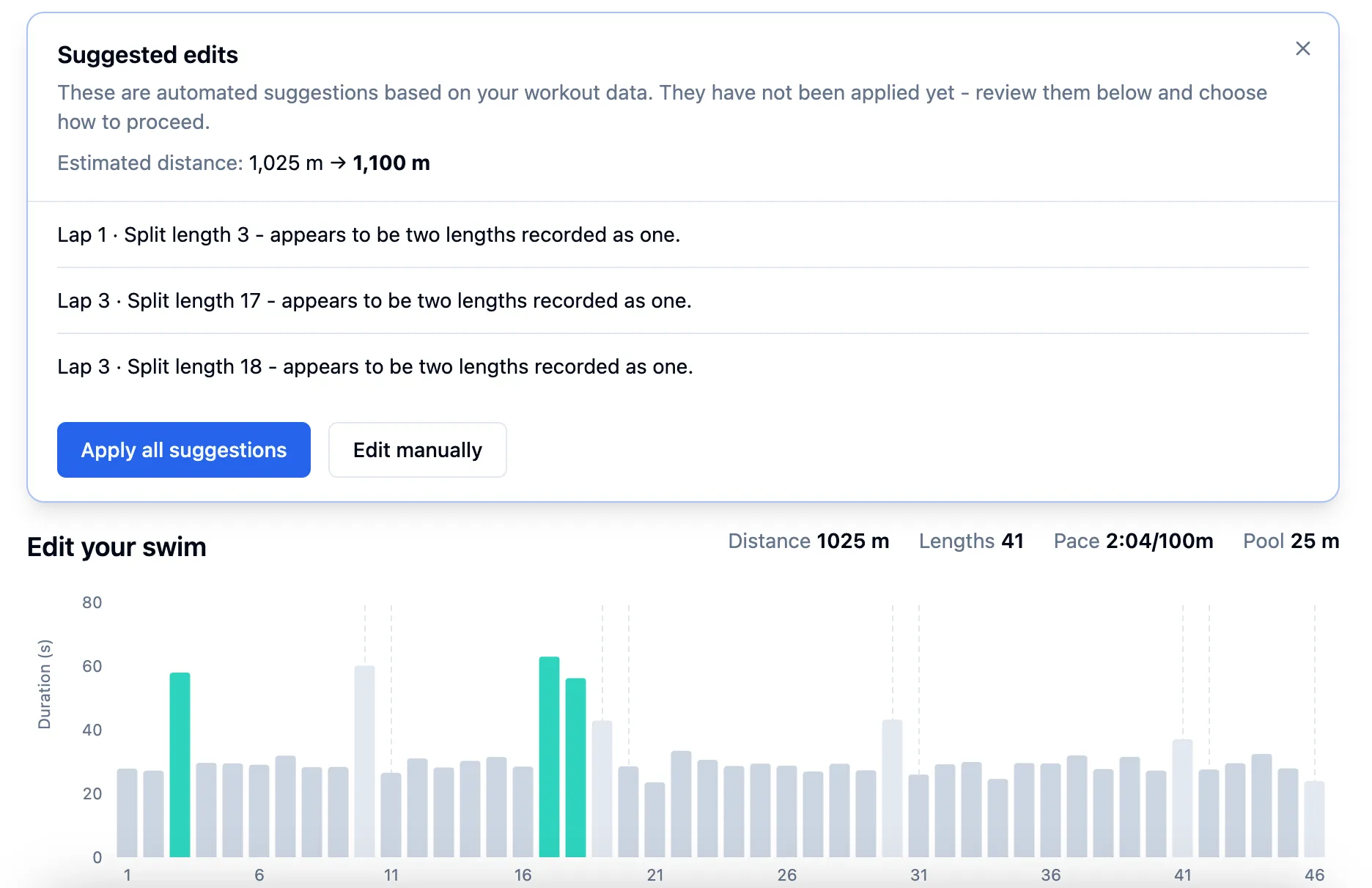
- Swim Blueprint scans the file and auto-suggest some fixes. You can keep these edits, or choose to edit manually instead.
- The green bars in the editor show which lengths the auto-suggest has detected
- If Swim Blueprint can’t find any obvious fixes, it will skip straight to the manual editor for you to fix the file yourself
- The editor lets you select lengths from your swim workout and correct the data:
- Select one length to split it into two
- Select two adjacent lengths to merge them into one
- Select any length to change the stroke type
- Edit the pool length for the whole workout
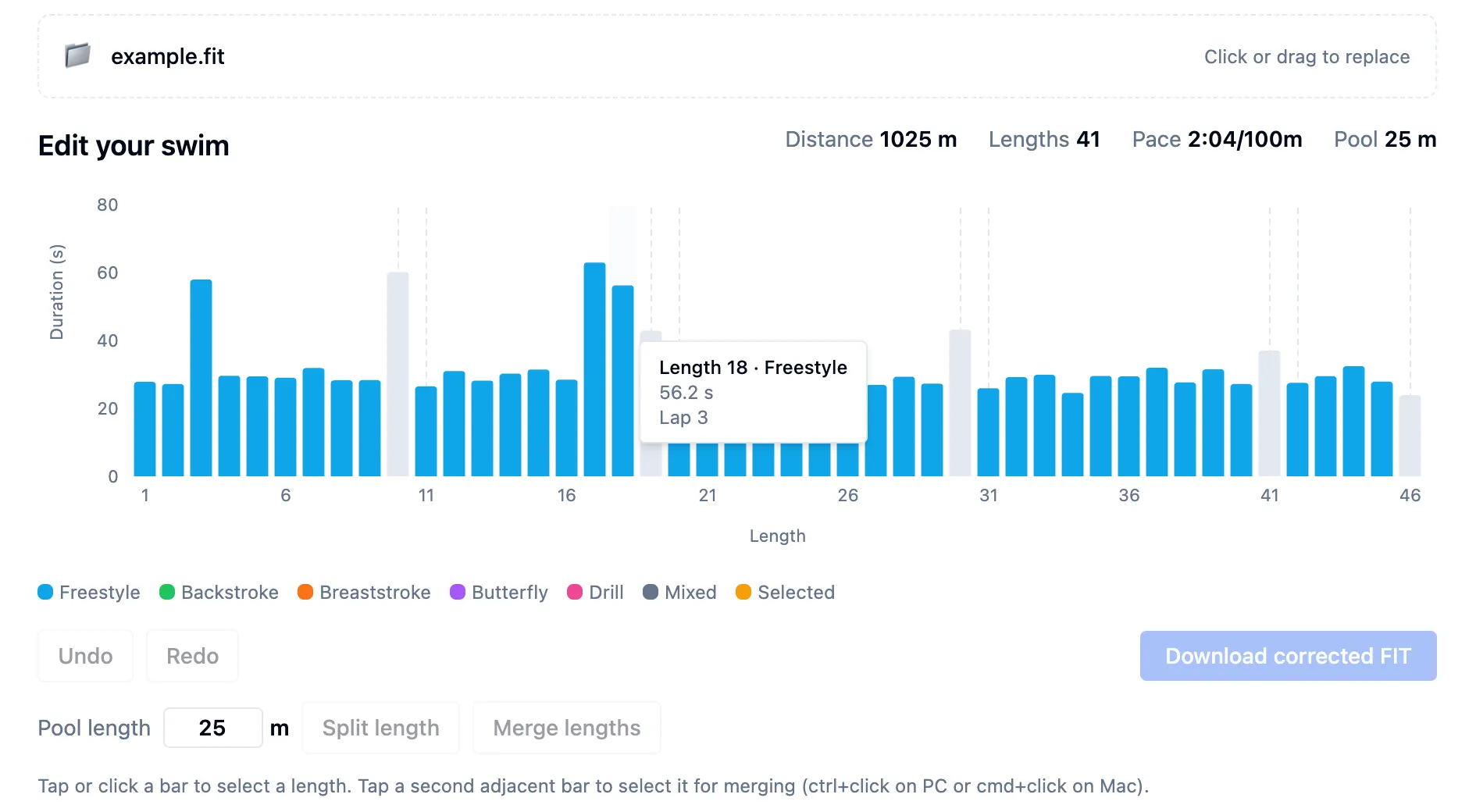
- To save your edited workout, click the “Download corrected FIT” button
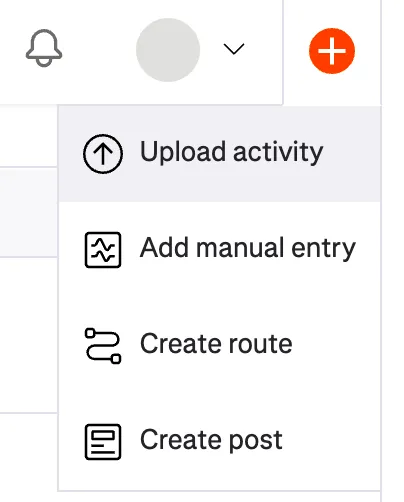
- Now you’re ready to re-upload your swim to Strava. Simply click the “plus” icon and then select “Upload activity” and then choose the file to upload. (you may need to delete the original workout before Strava lets you upload the fixed version)