Strava pool swim got the wrong distance? This is how to fix it
Last updated: 2026-06-15
Did your swimming watch upload the wrong distance to Strava for your workout? Follow these easy steps to fix it.
Why does Strava show the wrong distance for your pool swim?
Strava relies on the data sent from your sports watch (e.g. Garmin, Coros). Sports watches can record inaccurate data when you record a pool swim:
- Loose watch - can generate noise and confuse the sensors
- Not pushing off the wall - the watch will count two lengths as one
- Changing strokes halfway through a length - the watch might think you swam two lengths instead of one
How to fix wrong swim distance
Because Strava relies on the data sent from your sports watch, it doesn’t let you edit the data. Instead, you can use Swim Blueprint to fix your pool swim file.
- Open your workout in Strava in a web browser
- Click the three dots and then select “Export Original”
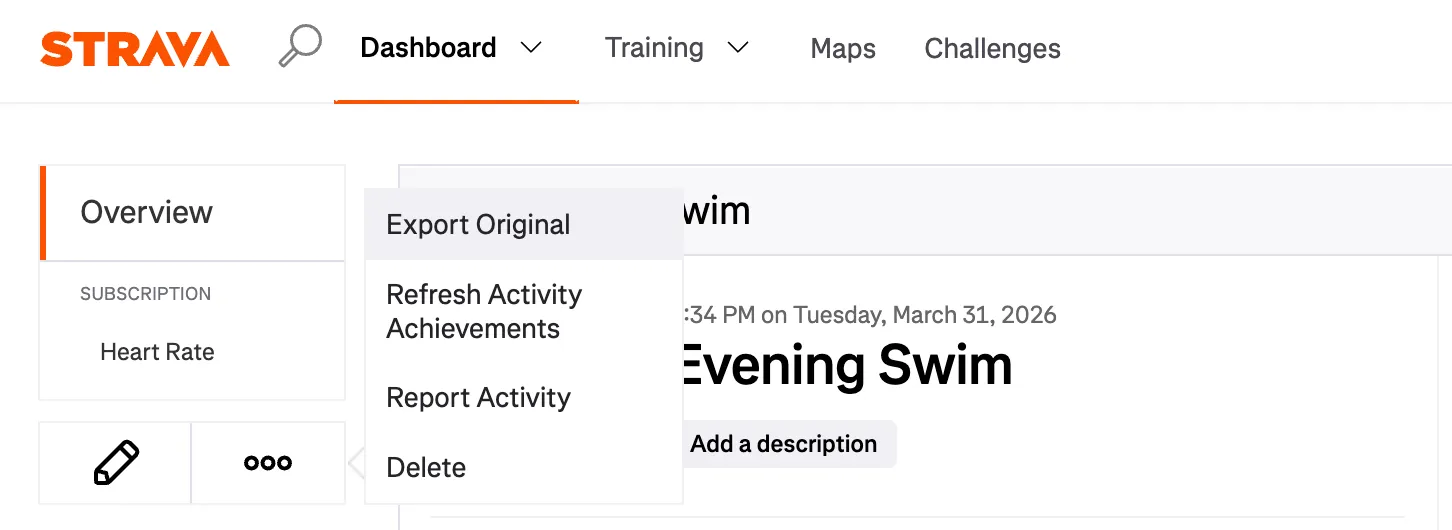
- Save the .fit file somewhere on your device
- Go to the Swim Blueprint editor and open your .fit file
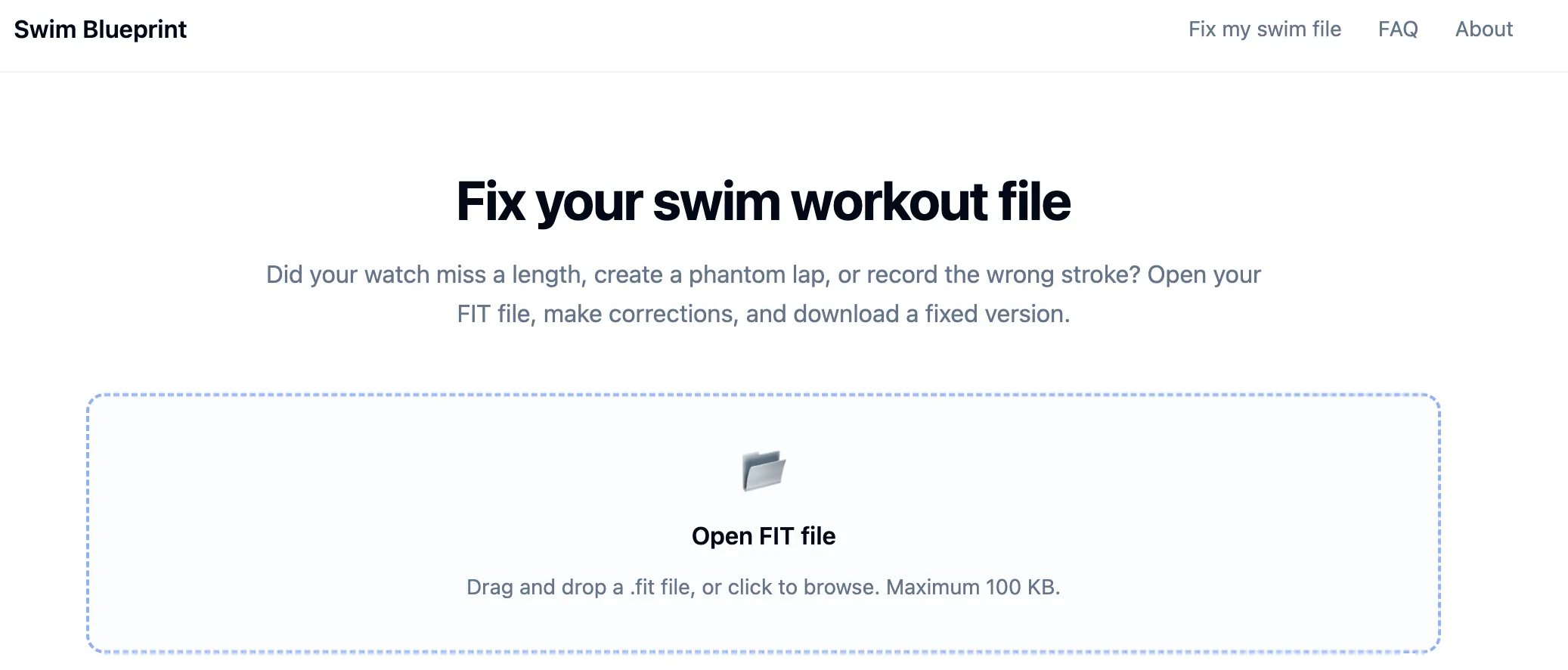
- Once you have opened the file, Swim Blueprint will check the file and suggest which lengths need to be edited. You can either apply these edits, or choose to edit it manually.
- The suggested edits will be shown as green bars on the editor
- If Swim Blueprint doesn’t detect any obvious errors, it will take you straight to the editor for you to edit manually
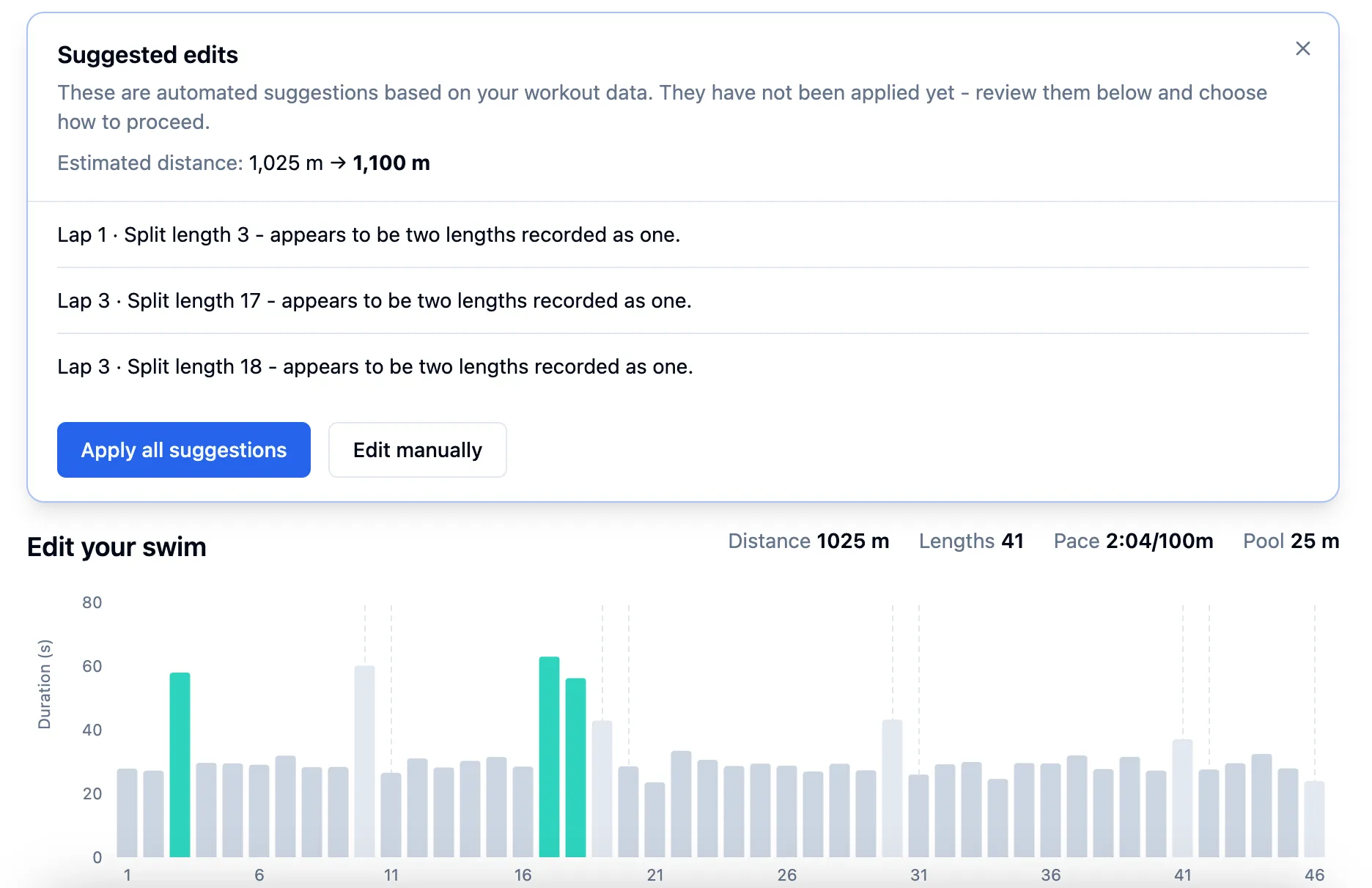
- The editor lets you select lengths from your swim workout and correct the data:
- Select one length to split it into two
- Select two adjacent lengths to merge them into one
- Select any length to change the stroke type
- Edit the pool length for the whole workout
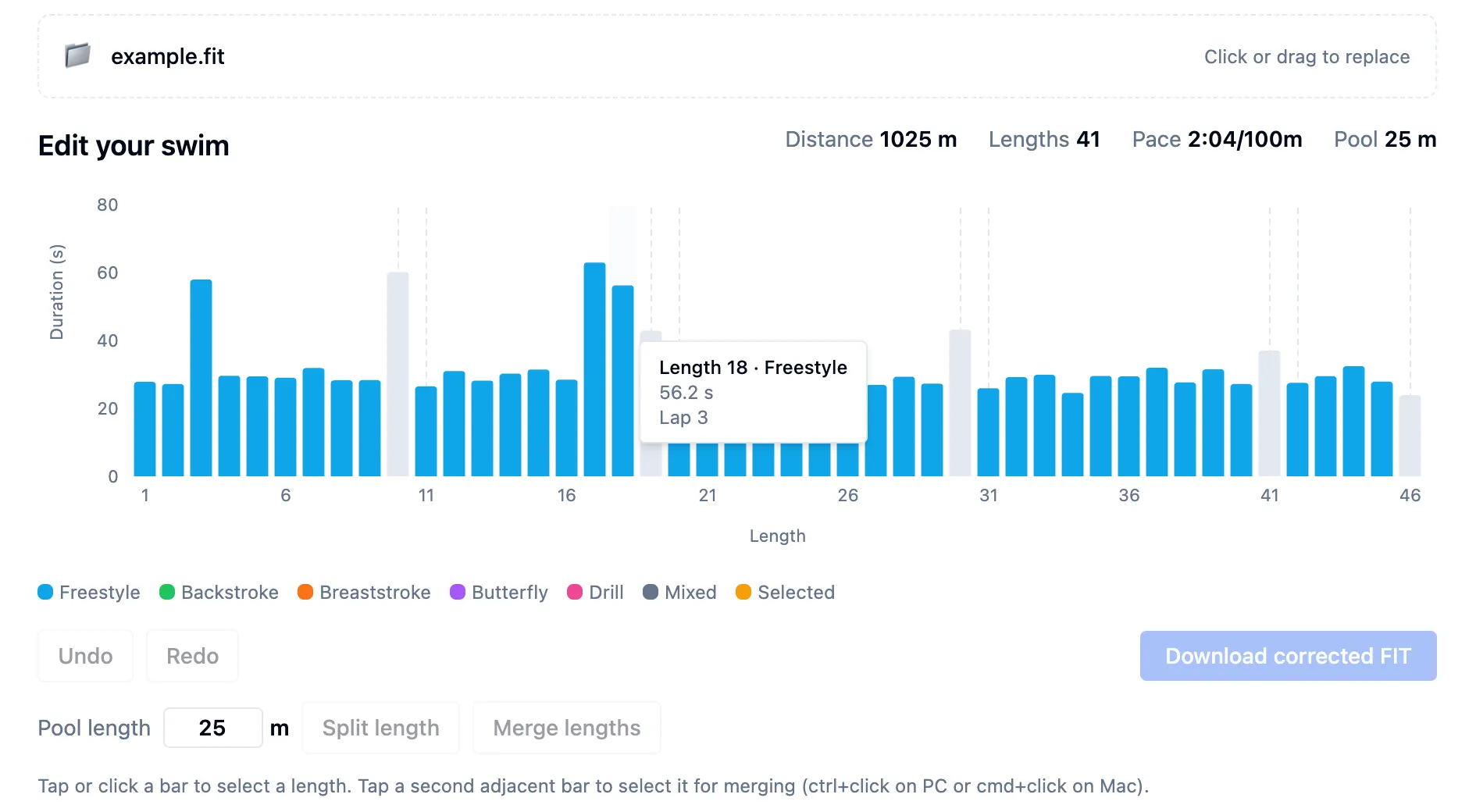
- Once you are done fixing your swim workout data, you can export the corrected file by clicking the “Download corrected FIT” button
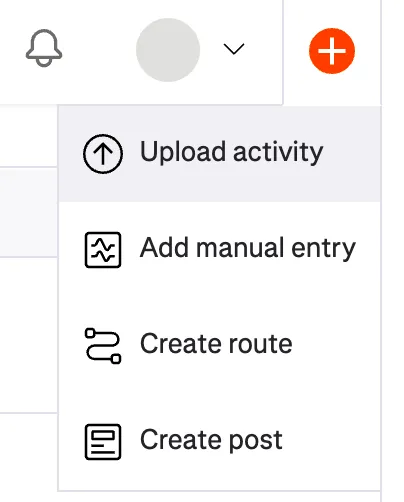
- Now you’re ready to re-upload your swim to Strava. Simply click the “plus” icon and then select “Upload activity” and then choose the file to upload. (you may need to delete the original workout before Strava lets you upload the fixed version)